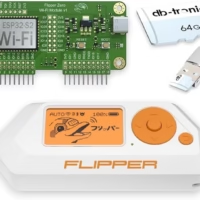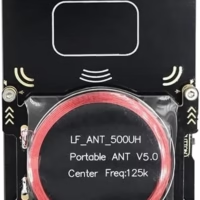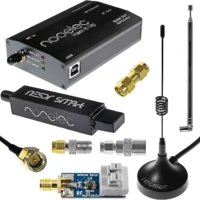
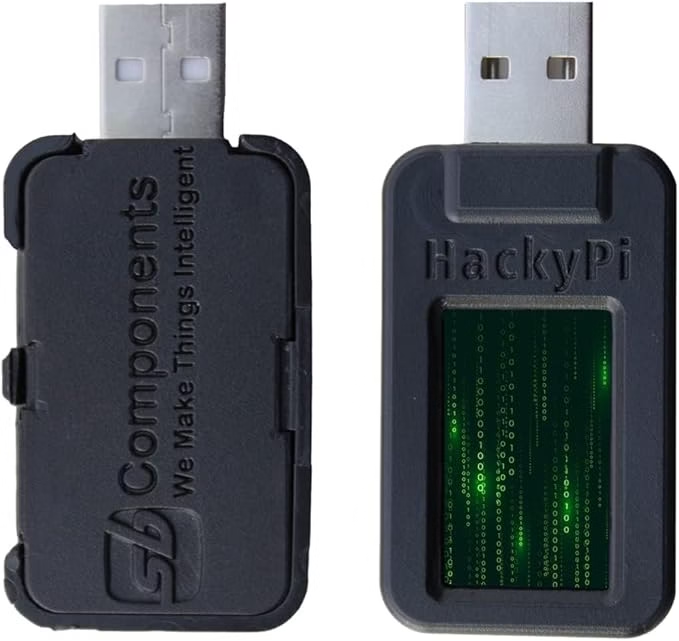
Learn, code, and hack—ethically.
HackyPi is the ultimate educational platform for anyone looking to explore the world of cybersecurity, ethical hacking, and embedded programming. Built around the Raspberry Pi RP2040 microcontroller, it features a dual-core ARM Cortex-M0+ processor, SD card support, USB-A interface, a 1.14-inch TFT display, and a built-in boot button for easy drag-and-drop programming via USB mass storage.
Compatible with Windows, Mac, and Linux, HackyPi requires no drivers and supports Python and multiple languages via HidLibrary. Whether you’re a beginner or an advanced developer, HackyPi is your go-to device to experiment with data logging, encryption, and more—pushing your skills in a hands-on, hardware-based environment.
Features:
Dual-core ARM Cortex-M0+ RP2040 processor
USB-A plug-and-play with no drivers required
Cross-platform: Windows, Mac, and Linux
1.14″ TFT display + SD card slot
Open-source hardware + Python support
Ideal for learning, prototyping, and ethical hacking
Expert Review: HackyPi as a USB Security Testing Tool
The HackyPi is a Raspberry Pi RP2040-based USB attack platform that has earned its place alongside the USB Rubber Ducky and Bash Bunny as a go-to tool for USB-based penetration testing. Its compact form factor, disguised as an ordinary USB drive, makes it particularly effective for demonstrating the risks of unauthorized USB devices during security awareness training and red team assessments.
How Security Professionals Use the HackyPi
In authorized penetration tests, the HackyPi can execute pre-programmed keystroke injection payloads within seconds of being plugged into a target computer. This simulates real-world USB drop attacks where malicious devices are left in parking lots or common areas, hoping an employee will plug them in. Security teams use this to test organizational defenses against BadUSB attacks, evaluate endpoint protection solutions, and measure employee security awareness. The device supports custom payloads written in CircuitPython, making it highly flexible and easy to program for specific test scenarios.
Pros and Cons
Pros: Affordable entry point into USB security testing compared to commercial alternatives. Built on the RP2040 chip, which offers excellent performance and community support. Programmable with CircuitPython for rapid payload development. Small form factor makes it ideal for physical security demonstrations. The built-in display provides visual feedback during payload execution.
Cons: Requires programming knowledge to create custom payloads. Less mature ecosystem compared to Hak5 products. No built-in WiFi or Bluetooth for remote triggering. Detection by modern endpoint security solutions is possible if USB device policies are properly configured.
Final Verdict
The HackyPi offers exceptional value for security professionals who need a USB attack simulation tool for awareness training and penetration testing. Its open-source nature and CircuitPython support make it a flexible platform that can adapt to various testing scenarios. For organizations looking to demonstrate USB security risks to stakeholders, this tool provides a compelling and cost-effective solution.